









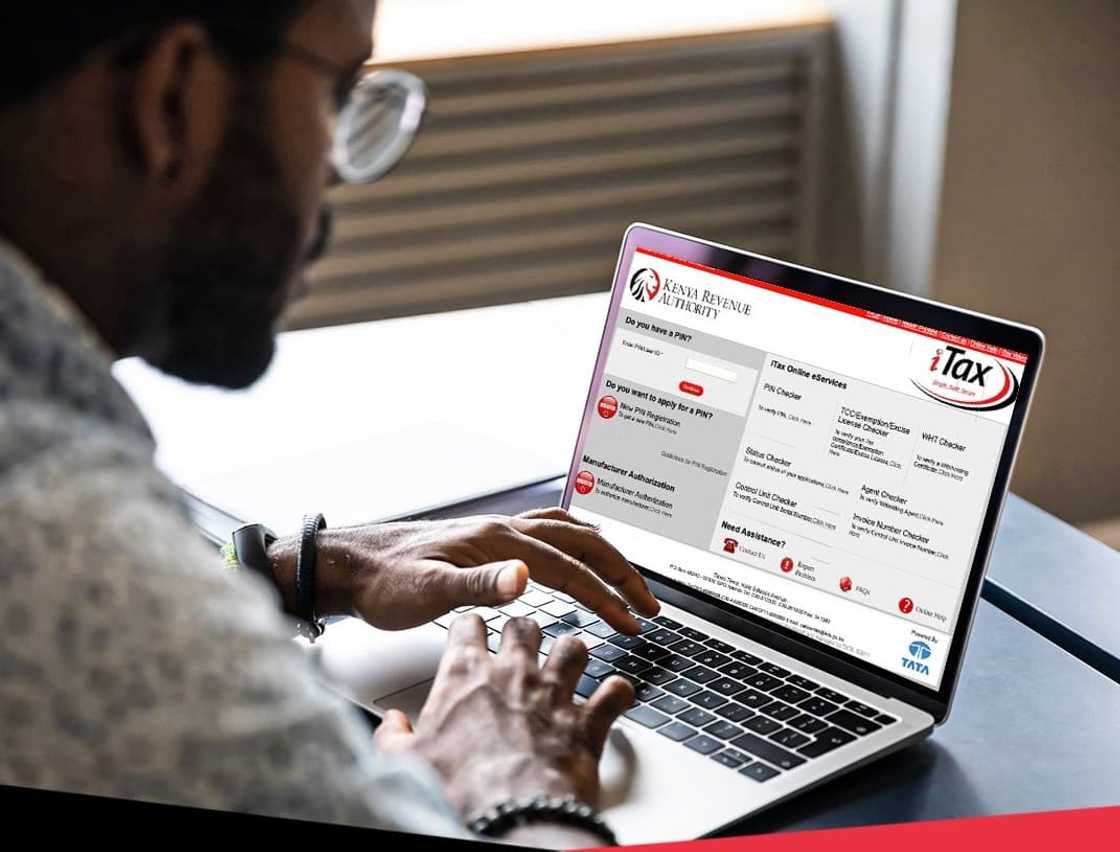
A Kenya Revenue Authority (KRA) Personal Identification Number is free and issued online through the official iTax portal. You need it for employment, HELB, bank and land deals, business registration, government contracts and tax filing.
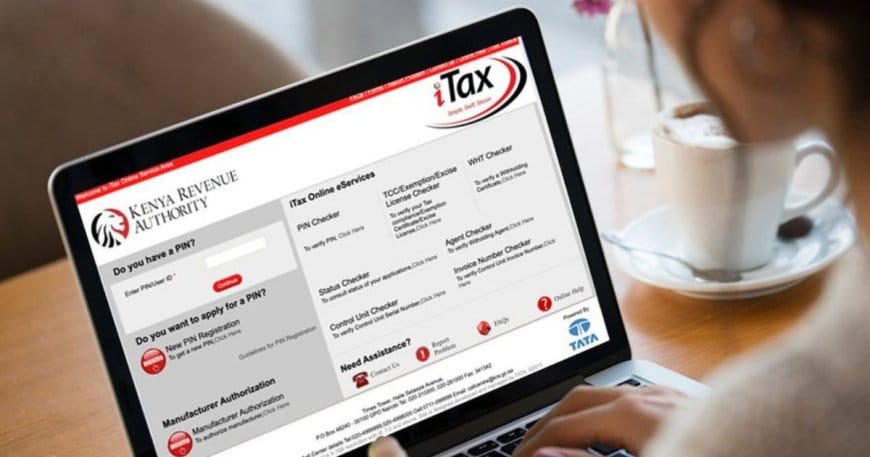
Individual PINs (for people) typically start with A. Non-individual PINs (for companies, partnerships, societies and similar bodies) typically start with P. A sole proprietorship uses the owner’s individual PIN; it does not get a separate non-individual PIN.
Use only itax.kra.go.ke. Do not pay anyone for “PIN generation” on WhatsApp or social media. The registration itself is free.
Swipe left or right on mobile to view the full table →
| Item | Individual | Non-individual (company etc.) |
|---|---|---|
| Typical PIN prefix | A… | P… |
| Portal | iTax → New PIN Registration | iTax → New PIN Registration |
| Main ID needed | National ID / Alien ID (or passport path for non-citizens) | Business registration / incorporation details + directors’ PINs |
| After submit | Often certificate or acknowledgment; residents frequently complete online | Acknowledgment receipt; KRA reviews then issues PIN to registered email |
| Cost | Free | Free |
What You Need Before You Start
Individuals (Kenyan residents): National ID or Alien ID details, date of birth, active email, phone number, physical and postal address. Employed people may need the employer’s PIN. People in business may need business registration details.
Students / no taxable activity: You can apply for a PIN Without Obligation (PWO). KRA says this is for people not currently in taxable activity (for example students who need a PIN for HELB). You are not required to file returns until you add obligations later on iTax.
Non-individuals (companies, partnerships, societies, etc.): Business registration or incorporation number and name exactly as on the certificate, incorporation date, physical and postal address, business email, and the individual KRA PINs of directors or registered officials. You will upload supporting documents such as the registration certificate and IDs as the form requires.
Non-citizens and special cases (investors, employees on work permits, students on student passes) have extra document lists on KRA’s requirements pages. Follow those lists carefully.
How to Apply for an Individual KRA PIN
Official KRA individual steps are straightforward. Screens and labels can change slightly, so follow what iTax shows on the day you apply.
- Open a browser and go to https://itax.kra.go.ke/.
- Select New PIN Registration.
- Choose taxpayer type Individual.
- Select mode of registration Online Form.
- If asked whether you want a PIN Without Obligation (PWO): choose Yes only if you are not in taxable activity (for example a student needing HELB). Choose No if you are employed, in business, or have rental or other taxable income. Read the on-screen notice carefully before you continue.
- Section A – basic information: Enter citizenship, National ID (or other document as prompted) and date of birth. When details validate, names may pull from official records. Confirm they match your ID exactly. Add physical location, P.O. Box, postal code, phone and email. Complete OTP verification if iTax sends one to your email or phone.
- Section B – obligation details: Select the tax obligations that apply (for example Income Tax – Resident). Do not tick obligations you do not need.
- Section C – source of income: Declare employment, business, rental or other sources if the form asks and if they apply.
- Solve the arithmetic security check, review all entries, then Submit.
- Save the acknowledgment receipt and reference number. Download the PIN certificate when it is available and store a copy safely.
KRA states that PIN registration is free and done on iTax. Many residents complete the process fully online once identity details validate. If the system issues only an acknowledgment, use the reference number to track status and wait for approval or the certificate email.
If you registered as PWO and later get a job or start a business, amend your PIN on iTax and add the correct obligations before you start filing.
How to Apply for a Non-Individual (Company / Entity) KRA PIN
Directors or partners should already have individual PINs. The non-individual PIN is for the entity itself.
- Visit itax.kra.go.ke and select New PIN Registration.
- Choose taxpayer type Non-Individual and mode Online Form.
- Select the correct entity type (for example private limited company, partnership, society, or other as listed).
- Section A – basic information: Enter the business registration or incorporation number, legal name and incorporation date exactly as on the certificate. Add physical address, P.O. Box, postal code and corporate email.
- Section B – obligation details: Tick only what applies.
- Income Tax – Company (or the equivalent entity income tax) is typically required for companies.
- VAT: Required if you supply or expect to supply taxable goods or services of KSh 5 million or more in a year. Voluntary VAT registration is also allowed under the law.
- PAYE: Add if you employ or plan to employ staff.
- Section D – directors / associates: Enter at least one director’s or official’s individual KRA PIN and ID details so the entity is linked to real people on iTax.
- Section E – agent: Optional. Fill only if you have appointed a tax agent.
- Upload clear scans of the documents iTax requests (commonly the registration or incorporation certificate and directors’ IDs). Follow size and format limits on the form.
- Complete the arithmetic check and Submit.
- Save the acknowledgment receipt and reference number. KRA reviews the application. Once approved, the non-individual PIN certificate is typically sent to the registered business email.
Processing is not always same-day. Keep the acknowledgment until the PIN certificate arrives. If status stalls, use iTax status tools or contact KRA with your reference number.
After You Get Your PIN
- Set or reset your iTax password so you can log in with the new PIN.
- Download and keep the PIN certificate PDF.
- If you will issue tax invoices as a business, plan eTIMS registration after the PIN is active (separate process).
- Add or amend obligations on iTax when your situation changes (new job, staff hired, turnover crosses VAT threshold).
- One person or entity should have one PIN. Do not create a second PIN if names or contacts are wrong; amend or seek KRA support instead.
Common Mistakes to Avoid
- Paying brokers for a “fast PIN”. Official registration is free.
- Using unofficial websites that look like iTax.
- Wrong ID number, date of birth or company registration number (names will not match official records).
- Selecting PWO when you already have employment or business income.
- Ticking VAT or PAYE when you do not need them yet (you can add later when required).
- Registering a limited company under an individual path, or expecting a sole prop to get a P-series PIN.
- Losing the acknowledgment reference number for non-individual applications.
If Something Goes Wrong
Name or ID mismatch: use KRA’s amendment or support channels with clear colour scans of your ID, and contact your tax station if needed.
Forgotten password: use Forgot Password on the iTax login page; recovery goes to the registered email.
PIN stopped or suspended: resolve through your tax station; keep records of any KRA correspondence.
Help: KRA Call Centre 020-4999999 / 020-4998000 / 0711-099999, email callcentre@kra.go.ke, or the Contact Us options on kra.go.ke and iTax. Confirm current numbers on the official site.
Read also:Kenya Revenue Authority (KRA) — iTax, Tax Returns & Customs Services | Business Listings Kenya
FAQs
How much does a KRA PIN cost?
Official PIN registration on iTax is free.
What is the difference between an A PIN and a P PIN?
Individual PINs commonly start with A. Non-individual (company and similar) PINs commonly start with P.
Can a student get a KRA PIN?
Yes. Students who are not in taxable activity can apply for a PIN Without Obligation (PWO). Update obligations on iTax when you start earning.
Does a sole proprietorship need a company PIN?
No. A sole proprietorship uses the proprietor’s individual PIN.
When must a business register for VAT?
KRA guidance states that a person supplying or expecting to supply taxable goods or services of KSh 5 million or more in a year qualifies for VAT registration. Voluntary registration is also allowed. Confirm your position against current VAT law and KRA advice.
How long does a company PIN take?
You receive an acknowledgment on submit. Approval and certificate issue after KRA review. Times vary; track with your reference number.
Where do I apply?
Only on the official portal: https://itax.kra.go.ke/.
Bottom Line
Apply for a KRA PIN free on iTax: Individual for people (with an optional PIN Without Obligation if you are not in taxable activity), and Non-Individual for companies and other entities after directors have their own PINs. Use exact ID and registration details, pick only the tax obligations you need, save your acknowledgment reference, and download the certificate when issued.
Portal labels can change. When in doubt, follow the live iTax screens and KRA’s official how-to pages, or contact the KRA call centre.
Sources:
KRA iTax Portal;
KRA – How to Register for a KRA PIN (Individual);
KRA – Step by Step Guide for PIN Registration (Non-Individual);
KRA – About PIN (including PIN Without Obligation);
KRA – Requirements for Registration;
KRA – Companies & Partnerships PIN Registration;
KRA – Step by Step Guide for Application of PIN Without Obligation (PWO);
KRA – Tax Compliance 101 (PIN prefixes and free online registration).
Tax rules and iTax screens change. This guide is general information only and is not tax, legal or filing advice. Confirm steps and obligations on official KRA/iTax channels before you apply or file.