





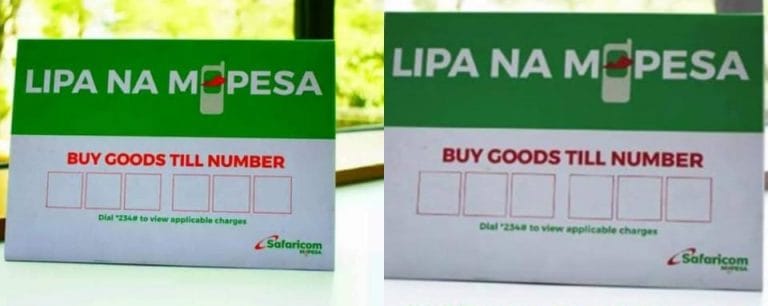
Want customers to pay you directly through M-PESA? A Buy Goods Till number makes that possible, and getting one is quicker than most people expect.
The whole application can take as little as 10 minutes if you are applying as an individual. Here is exactly how the process works.
Where to Apply
You have two options for applying. Use the Lipa Na M-PESA Application Portal on a browser, or download the M-PESA Business App directly to your phone.
Both routes lead to the same outcome. Pick whichever feels easier for you to navigate.
Step by Step Application Process
- Visit the portal and click “Apply Now” to start a new application.
- Select M-PESA Business Till under Buy Goods Till, then choose your business category, whether individual or sole proprietorship.
- Fill in your business details and provide a Nominated Number, which must be a registered Safaricom line.
- Upload your documents, including your ID, KRA PIN, and Business Permit.
- Submit the application and wait for confirmation.
Individual applications typically process within 10 minutes. Registered businesses take a bit longer, usually up to 24 hours.
Documents You Will Need
Required paperwork depends on how your business is structured. Here is the breakdown by category:
- Individuals: A scanned copy of your National ID, front and back, plus a passport photo
- Sole Proprietorships: Business Registration Certificate, proprietor’s National ID, KRA PIN, and Business Permit
- Limited Companies: Certificate of Incorporation, CR12, directors’ IDs, KRA PIN, and Business Permit
Having these ready before you start the application saves you from having to pause halfway through.
Also read:M-PESA for Business — Paybill, Till Number & Payment Solutions | Business Listings Kenya
Activating Your Till Number
Once approved, Safaricom sends your Till Number via SMS to your nominated line. From there, activation is simple.
Dial *234*2# on your phone, or activate directly through the M-PESA Business App. Either method gets your Till ready to receive payments right away.
Frequently Asked Questions
How long does it take to get an M-PESA Till number?
Individual applications process in about 10 minutes. Registered businesses can take up to 24 hours.
Can I apply for a Till number without a registered business?
Yes. Individuals can apply using just a National ID and passport photo, no business registration required.
What is a Nominated Number?
It is the registered Safaricom line linked to your Till account, used to receive your Till Number and manage the account.
Do limited companies need extra documents to apply?
Yes. Limited companies must submit a Certificate of Incorporation, CR12, directors’ IDs, KRA PIN, and Business Permit.
How do I activate my Till number after approval?
Dial *234*2# on your nominated line or activate it through the M-PESA Business App.
Getting an M-PESA Buy Goods Till number is one of the easiest ways to formalize how your business accepts payments. The online process removes the need for any physical visits or long queues.
Have your documents ready, pick your category correctly, and you could be accepting Till payments within a day.